Brighton Festival Ditchling Museum Music Trail

room 15 ECHOES

Location: Hassocks

Listen to ‘richly sonorous’ (Sunday Times) new orchestral music directly inspired by landscape as you explore the South Downs National Park. 

Start at the Ditchling Museum of Art + Craft, turn right and walk up Lodge Hill for stunning views (1 mile, gentle) OR turn left through Ditchling then follow the Sussex Border Path and South Downs Way up to Ditchling Beacon and back through the fields (5 miles, strenuous).

With embedded images reflecting the Museum’s collection and music by Ed Hughes, Professor of Composition at University of Sussex, specially recorded to celebrate the South Downs National Park’s 10th Anniversary in April 2021.

Echoes App instructions:

If you can, download the Trail before you start, or stream the Trail as you go. Don’t forget your headphones!

Press ‘START’ then ‘LOCATE ME’. Start walking and the moving dot will show your location. The blue shapes are Echoes containing Ed Hughes’s music. The music will be triggered automatically using GPS when you enter an Echo. Tap twice on any Echo to find out more about each image, the music, and directions to the next Echo. Tap on the blue icon bottom right to pause and restart the music.

Detailed walking route: https://edhughescomposer.com/bf-music-trail-directions

Travel and Transport: https://www.ditchlingmuseumartcraft.org.uk/visit/how-to-find-us/

Brighton Festival 2021 https://brightonfestival.org

Music by Ed Hughes played by the New Music Players and the Orchestra of Sound and Light. Copyright and all rights reserved. https://edhughescomposer.com

Sound recording by Classical Media

Trail devised by Liz Webb

All images Copyright Ditchling Museum of Art + Craft

Supported by research in the School of Media, Arts and Humanities at the University of Sussex

Liz Webb
Liz Webb

DOWNLOAD OUR APP TO DISCOVER THIS TOUR AND MANY OTHERS.

play-storeapp-store

The Echoes


Lodge Hill Lane: shorter walk

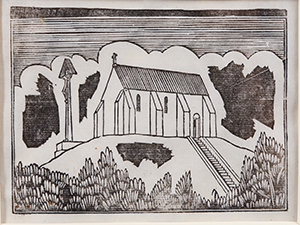
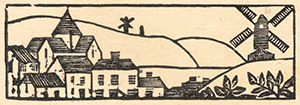
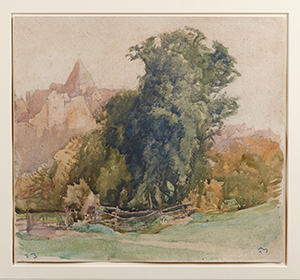
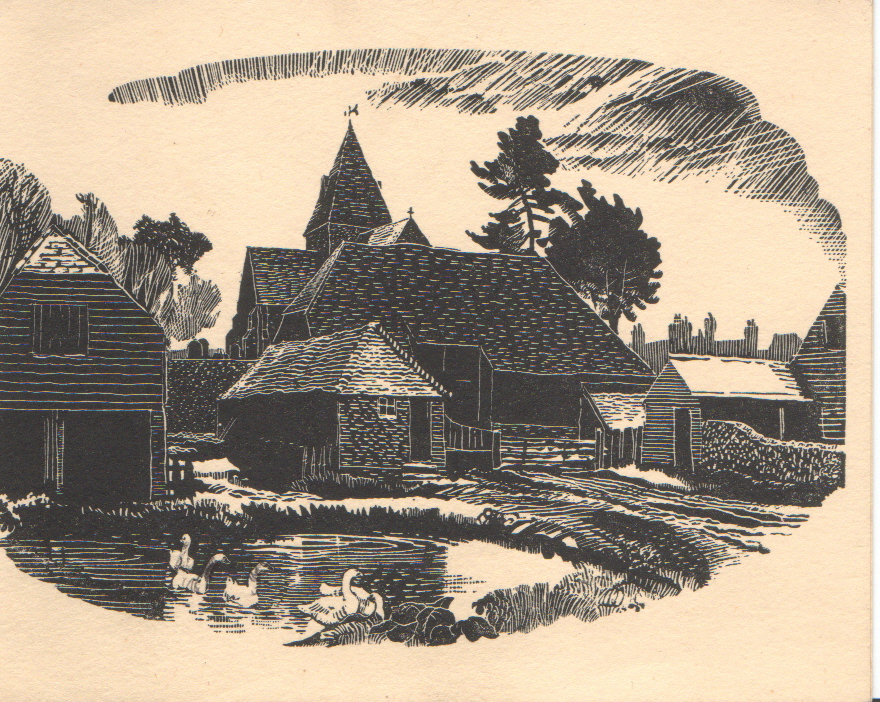
Charles Knight: Court Farm. A view of the farm, on what is now the green, with St Margaret's church …

Lodge Hill: shorter walk

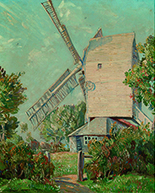
Unknown Artist: Oldland Mill Flint (movement 2) by Ed Hughes Performed by The New Music Players htt…

West Street: longer walk

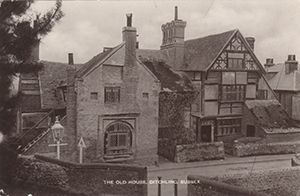
Wings Place, West Street, Ditchling. Postcard. Nonet (movement 1, film version) by Ed Hughes Perfo…

Junction of B2122 and Beacon Road

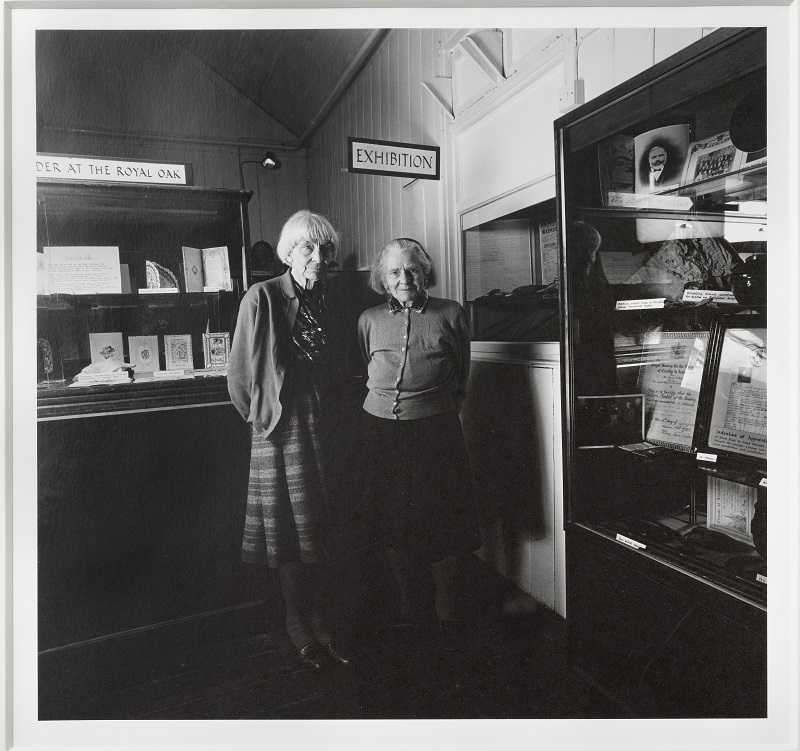
Hilary and Joanna Bourne, founders of the museum in its pre-development incarnation. They grew up wi…

Molehilly Shaw

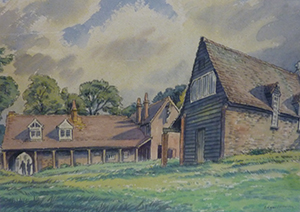
Edgar Holloway: The workshops on Ditchling Common where the Guild of St Joseph and St Dominic was es…

Burnhouse Bostall lower

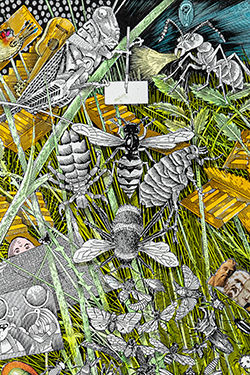
John Vernon Lord: 'The Ondt and the Grasshopper' Finnegans Wake, by James Joyce (edited by Danis Ros…

Burnhouse Bostall upper

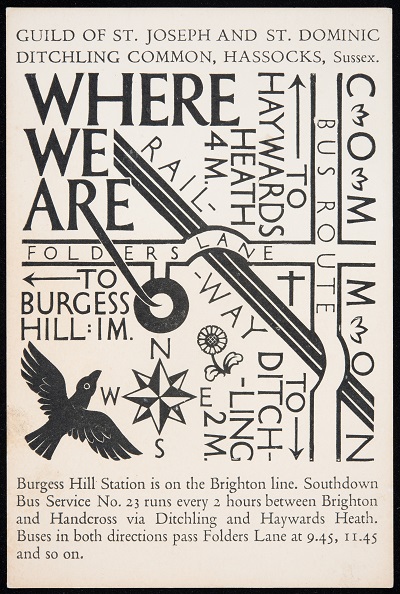
Philip Hagreen: location map designed for the Guild with helpful train and bus information. Brighto…

Dewpond 1

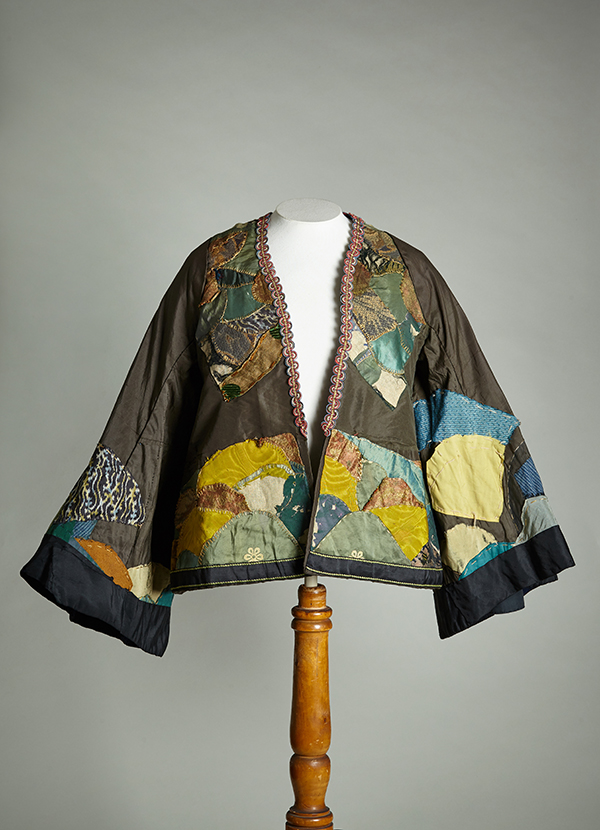
Amy Sawyer: jacket inspired by the South Downs landscape. Amy Sawyer was the first artist to move to…

Dewpond 2

Eric Gill: the spoil bank crucifixion, a huge wooden piece (now lost) located overlooking the railwa…

Ridge Walk to Ditchling Beacon

Eric Gill: View of Ditchling Flint (movement 2) by Ed Hughes Performed by The New Music Players htt…

Ditchling Beacon

Jenny KilBride spinning in the weaving workshop Flint (movement 3) by Ed Hughes Performed by The Ne…

Upper descent from Ditchling Beacon

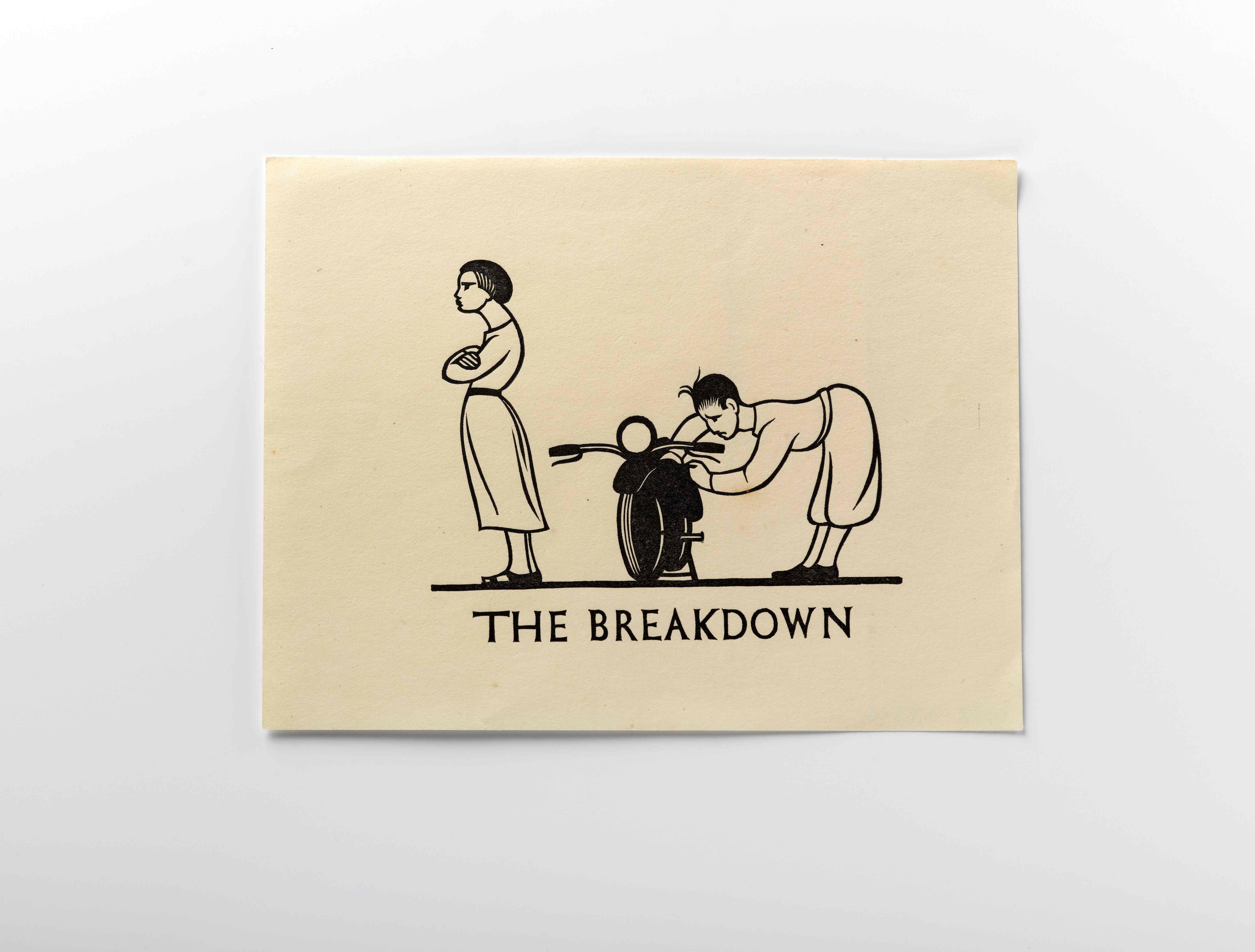
Philip Hagreen: cartoon showing the hazards of motoring in the countryside! Chroma by Ed Hughes Per…
and 3 more echoes…
Discover more geolocated content in our apps.
play-storeapple-app-store

Or start creating tours, treasure hunts, POI maps... Just let your imagination guide you.


Other walks nearby

Solo exercise from outside The Fountain Inn Plumpton Green BN7 3BX

Solo exercise from outside The Fountain Inn Plumpton Green BN7 3BX

Solo exercise, inspired by hash running and walking, so called sash ! The sash idea came about with the corona pandemic, to allow for local exercise, solo or with your bubble, etc. Though with UK rule relaxation, undertake according the present guidelines. Ground rules, accordingly relaxed: 1) No set date or time. 2) Undertake in groups up to the maximum allowed by guidelines. 3) Keep 2 metres apart from those outside your bubble. 4) Keep 2 metres apart from others if you encounter. 5) Ideally pick sashes that are local to you. 6) Walk bits where you can't clearly see the way ahead, so that 2 metre separation from others can be maintained. 7) In the pub, wear mask according the venue guidelines, or if none, your preference. 8) Mask not recommended while drinking or eating. 9) Do the sash at your own risk. How it works: Visible on your Apple/Android smartphone or GPS-equipped tablet, referred to here as device, are the following: A start/end square, and four circles showing the initial direction. Your device audibly 'echoes' blobs, checks, etc, when in the vicinity. You can just keep your device in your pocket or backpack, and follow the blob echoes. Or for a check echo, discover which way the blob trail continues. Three blobs in succession, or another check, and you've found the onward trail. A false echo means it's not that way. An echo saying 'on left', or 'on right', means go that way. Echoes can announce a fair few paces prior to the spot. And echoes repeat every 15 seconds if you linger. For longer stretches, echoes repeat every 15 seconds regardless of where you are within the stretch. The runners true trail is 5.3 miles, the walkers 3.2 miles. Part-way along the trail, your device echoes that the runners and walkers trails diverge. They rejoin enroute. Along the shared sections, the walkers will encounter the checks, so they'll have a bit more work to do than on a regular hash. The runners-only part has one 'fish hook' echo, at which participants should return to the last check, then rerun that section. For runners and walkers, about half-way around, your device echoes 'beer near', then 'beer stop'. For the latter you may like to take some refreshment in your backpack. Nearer the end, your device echoes 'circle up near', then 'circle up', so save some refreshment. After, your device echoes 'inn no', and leads you back to the start/end point. If you get stuck, a help map is available: Zoom in on the start/end square, then tap the triangle beside, then tap SEE MORE. The blue square is the start/end, the arrows show the trail direction, and the walkers-only part is dotted. On your device, open the Apple App Store or Android Play Store, and type ‘echoes’ in the store search box. The ECHOES app icon looks a bit like a fingerprint. Install, then open, and sign up. The trail should list under 'near you'. Tap MORE NEAR YOU if not. Possible too, is a tap on the magnifying glass, then type the trail postcode with space, or 'sash' for all. Tap a trail, then tap STREAM WALK to use online copy. Or tap DOWNLOAD or down-arrow symbol for offline copy, then tap START. Swipe down screen to refresh downloaded copy, in case changed online. Sometimes app exit then app restart are needed to fully refresh downloaded copy. Download might get stuck before reaching 100%. In which case, exit app then restart, and tap STREAM WALK instead. Tips: Like most location apps, ECHOES uses the battery a fair bit. A fully-charged device should be enough for the trail. But you might like to take a powerbank, or spare battery. Plus a paper map as backup. This info is viewable in a browser at https://explore.echoes.xyz/collections/StGyKaXMqTZ32HTm Trail last updated 30 July 2021 21:38
free
Solo exercise from outside The Plough Pyecombe BN45 7FN

Solo exercise from outside The Plough Pyecombe BN45 7FN

Solo exercise, inspired by hash running and walking, so called sash ! The sash idea came about with the corona pandemic, to allow for local exercise, solo or with your bubble, etc. Though with UK rule relaxation, undertake according the present guidelines. Ground rules, accordingly relaxed: 1) No set date or time. 2) Undertake in groups up to the maximum allowed by guidelines. 3) Keep 2 metres apart from those outside your bubble. 4) Keep 2 metres apart from others if you encounter. 5) Ideally pick sashes that are local to you. 6) Walk bits where you can't clearly see the way ahead, so that 2 metre separation from others can be maintained. 7) In the pub, wear mask according the venue guidelines, or if none, your preference. 8) Mask not recommended while drinking or eating. 9) Do the sash at your own risk. How it works: Visible on your Apple/Android smartphone or GPS-equipped tablet, referred to here as device, are the following: A start/end square, and four circles showing the initial direction. Your device audibly 'echoes' blobs, checks, etc, when in the vicinity. You can just keep your device in your pocket or backpack, and follow the blob echoes. Or for a check echo, discover which way the blob trail continues. Three blobs in succession, or another check, and you've found the onward trail. A false echo means it's not that way. An echo saying 'on left', or 'on right', means go that way. Echoes can announce a fair few paces prior to the spot. Echoes repeat every minute if you linger. The runners true trail is 3.5 miles, the walkers 2 miles. Part-way along the trail, your device echoes that the runners and walkers trails diverge. They rejoin later. The runners trail has one 'fish hook' echo, at which you should return to the last check, then rerun that section. Toward the end, your device echoes 'beer near', then 'beer stop'. For the latter you may like to take some refreshment in your backpack. Nearer the end, your device echoes 'inn no', and leads you back to the start/end point. If you get stuck, a help map is available: Zoom in on the start/end square, then tap the triangle beside, then tap SEE MORE. The blue square is the start/end, the arrows show the trail direction, and the walkers-only part is dotted. On your device, open the Apple App Store or Android Play Store, and type ‘echoes’ in the store search box. The ECHOES app icon looks a bit like a fingerprint. Install, then open, and sign up. The trail should list under 'near you'. Tap MORE NEAR YOU if not. Possible too, is a tap on the magnifying glass, then type the trail postcode with space, or 'sash' for all. Tap a trail, then tap STREAM WALK to use online copy. Or tap DOWNLOAD or down-arrow symbol for offline copy, then tap START. Swipe down screen to refresh downloaded copy, in case changed online. Sometimes app exit then app restart are needed to fully refresh downloaded copy. Download might get stuck before reaching 100%. In which case, exit app then restart, and tap STREAM WALK instead. Tips: Like most location apps, ECHOES uses the battery a fair bit. A fully-charged device should be enough for the trail. But you might like to take a powerbank, or spare battery. Plus a paper map as backup. This info is viewable in a browser at https://explore.echoes.xyz/collections/mYxjWERBOhREyH3g Trail last updated 30 July 2021 21:35
free
Solo exercise from outside former Port Hall Tavern BN1 5PL

Solo exercise from outside former Port Hall Tavern BN1 5PL

Solo exercise, inspired by hash running and walking, so called sash ! The sash idea came about with the corona pandemic, to allow for local exercise, solo or with your bubble, etc. Though with UK rule relaxation, undertake according the present guidelines. Ground rules, accordingly relaxed: 1) No set date or time. 2) Undertake in groups up to the maximum allowed by guidelines. 3) Keep 2 metres apart from those outside your bubble. 4) Keep 2 metres apart from others if you encounter. 5) Ideally pick sashes that are local to you. 6) Walk bits where you can't clearly see the way ahead, so that 2 metre separation from others can be maintained. 7) In the pub, wear mask according the venue guidelines, or if none, your preference. 8) Mask not recommended while drinking or eating. 9) Do the sash at your own risk. How it works: Visible on your Apple/Android smartphone or GPS-equipped tablet, referred to here as device, are the following: A start/end square, and four circles showing the initial direction. Your device audibly 'echoes' blobs, checks, etc, when in the vicinity. You can just keep your device in your pocket or backpack, and follow the blob echoes. Or for a check echo, discover which way the blob trail continues. Three blobs in succession, or another check, and you've found the onward trail. A false echo means it's not that way. An echo saying 'on left', or 'on right', means go that way. Echoes can announce a fair few paces prior to the spot. And echoes repeat every 15 seconds if you linger. For longer stretches, echoes repeat every 15 seconds regardless of where you are within the stretch. The true trail is 4.7 miles. Just a single trail, run or walk per preference. About half-way around, your device echoes 'beer near', then 'beer stop'. For the latter you may like to take some refreshment in your backpack. Nearer the end, your device echoes 'circle up near', then 'circle up', so save some refreshment. After, your device echoes 'inn no', and leads you back to the start/end point. If you get stuck, a help map is available: Zoom in on the start/end square, then tap the triangle beside, then tap SEE MORE. The blue square is the start/end, the arrows show the trail direction. Free onroad parking possible Sunday, or after 6pm other days, in two-car loading bay outside the former pub. Ditto after 8pm any day, in nearby railway side parking. On your device, open the Apple App Store or Android Play Store, and type ‘echoes’ in the store search box. The ECHOES app icon looks a bit like a fingerprint. Install, then open, and sign up. The trail should list under 'near you'. Tap MORE NEAR YOU if not. Possible too, is a tap on the magnifying glass, then type the trail postcode with space, or 'sash' for all. Tap a trail, then tap STREAM WALK to use online copy. Or tap DOWNLOAD or down-arrow symbol for offline copy, then tap START. Swipe down screen to refresh downloaded copy, in case changed online. Sometimes app exit then app restart are needed to fully refresh downloaded copy. Download might get stuck before reaching 100%. In which case, exit app then restart, and tap STREAM WALK instead. Tips: Like most location apps, ECHOES uses the battery a fair bit. A fully-charged device should be enough for the trail. But you might like to take a powerbank, or spare battery. Plus a paper map as backup. This info is viewable in a browser at https://explore.echoes.xyz/collections/hcyxMfvePpGEsHxl Trail last updated 30 July 2021 21:40
free
Solo exercise from outside Hove Park Tavern BN3 7AP

Solo exercise from outside Hove Park Tavern BN3 7AP

Solo exercise, inspired by hash running and walking, so called sash ! The sash idea came about with the corona pandemic, to allow for local exercise, solo or with your bubble, etc. Though with UK rule relaxation, undertake according the present guidelines. Ground rules, accordingly relaxed: 1) No set date or time. 2) Undertake in groups up to the maximum allowed by guidelines. 3) Keep 2 metres apart from those outside your bubble. 4) Keep 2 metres apart from others if you encounter. 5) Ideally pick sashes that are local to you. 6) Walk bits where you can't clearly see the way ahead, so that 2 metre separation from others can be maintained. 7) In the pub, wear mask according the venue guidelines, or if none, your preference. 8) Mask not recommended while drinking or eating. 9) Do the sash at your own risk. How it works: Visible on your Apple/Android smartphone or GPS-equipped tablet, referred to here as device, are the following: A start/end square, and four circles showing the initial direction. Your device audibly 'echoes' blobs, checks, etc, when in the vicinity. You can just keep your device in your pocket or backpack, and follow the blob echoes. Or for a check echo, discover which way the blob trail continues. Three blobs in succession, or another check, and you've found the onward trail. A false echo means it's not that way. An echo saying 'on left', or 'on right', means go that way. Echoes can announce a fair few paces prior to the spot. And echoes repeat every 15 seconds if you linger. For longer stretches, echoes repeat every 15 seconds regardless of where you are within the stretch. The true trail is 4.2 miles. Just a single trail, run or walk per preference. About half-way around, your device echoes 'beer near', then 'beer stop'. For the latter you may like to take some refreshment in your backpack. Nearer the end, your device echoes 'circle up near', then 'circle up', so save some refreshment. After, your device echoes 'inn no', and leads you back to the start/end point. If you get stuck, a help map is available: Zoom in on the start/end square, then tap the triangle beside, then tap SEE MORE. The blue square is the start/end, the arrows show the trail direction. Free onroad parking possible after 8pm in nearby Frith Road BN3 8AJ or Leighton Road BN3 7AR. On your device, open the Apple App Store or Android Play Store, and type ‘echoes’ in the store search box. The ECHOES app icon looks a bit like a fingerprint. Install, then open, and sign up. The trail should list under 'near you'. Tap MORE NEAR YOU if not. Possible too, is a tap on the magnifying glass, then type the trail postcode with space, or 'sash' for all. Tap a trail, then tap STREAM WALK to use online copy. Or tap DOWNLOAD or down-arrow symbol for offline copy, then tap START. Swipe down screen to refresh downloaded copy, in case changed online. Sometimes app exit then app restart are needed to fully refresh downloaded copy. Download might get stuck before reaching 100%. In which case, exit app then restart, and tap STREAM WALK instead. Tips: Like most location apps, ECHOES uses the battery a fair bit. A fully-charged device should be enough for the trail. But you might like to take a powerbank, or spare battery. Plus a paper map as backup. This info is viewable in a browser at https://explore.echoes.xyz/collections/anWm8VTiQiqTbdTO Trail last updated 30 July 2021 21:40
free
Solo exercise from outside The Downs Hotel Woodingdean BN2 6BB

Solo exercise from outside The Downs Hotel Woodingdean BN2 6BB

Solo exercise, inspired by hash running and walking, so called sash ! The sash idea came about with the corona pandemic, to allow for local exercise, solo or with your bubble, etc. Though with UK rule relaxation, undertake according the present guidelines. Ground rules, accordingly relaxed: 1) No set date or time. 2) Undertake in groups up to the maximum allowed by guidelines. 3) Keep 2 metres apart from those outside your bubble. 4) Keep 2 metres apart from others if you encounter. 5) Ideally pick sashes that are local to you. 6) Walk bits where you can't clearly see the way ahead, so that 2 metre separation from others can be maintained. 7) In the pub, wear mask according the venue guidelines, or if none, your preference. 8) Mask not recommended while drinking or eating. 9) Do the sash at your own risk. How it works: Visible on your Apple/Android smartphone or GPS-equipped tablet, referred to here as device, are the following: A start/end square, and four circles showing the initial direction. Your device audibly 'echoes' blobs, checks, etc, when in the vicinity. You can just keep your device in your pocket or backpack, and follow the blob echoes. Or for a check echo, discover which way the blob trail continues. Three blobs in succession, or another check, and you've found the onward trail. A false echo means it's not that way. An echo saying 'on left', or 'on right', means go that way. Echoes can announce a fair few paces prior to the spot. And echoes repeat every 15 seconds if you linger. For longer stretches, echoes repeat every 15 seconds regardless of where you are within the stretch. The runners true trail is 6.3 miles (permission to walk bits), the walkers 3.5 miles. Part-way along the trail, find the 'walkers this way' echo or 'runners this way' echo. The trails rejoin enroute. Along the shared sections, the walkers will encounter the checks, so they'll have a bit more work to do than on a regular hash. The runners-only part has one 'fish hook' echo, at which participants should return to the last check, then rerun that section. For runners and walkers, about half-way around, your device echoes 'beer near', then 'beer stop'. For the latter you may like to take some refreshment in your backpack. Nearer the end, your device echoes 'circle up near', then 'circle up', so save some refreshment. After, your device echoes 'inn no', and leads you back to the start/end point. If you get stuck, a help map is available: Zoom in on the start/end square, then tap the triangle beside, then tap SEE MORE. The blue square is the start/end, the arrows show the trail direction, and the walkers-only part is dotted. On your device, open the Apple App Store or Android Play Store, and type ‘echoes’ in the store search box. The ECHOES app icon looks a bit like a fingerprint. Install, then open, and sign up. The trail should list under 'near you'. Tap MORE NEAR YOU if not. Possible too, is a tap on the magnifying glass, then type the trail postcode with space, or 'sash' for all. Tap a trail, then tap STREAM WALK to use online copy. Or tap DOWNLOAD or down-arrow symbol for offline copy, then tap START. Swipe down screen to refresh downloaded copy, in case changed online. Sometimes app exit then app restart are needed to fully refresh downloaded copy. Download might get stuck before reaching 100%. In which case, exit app then restart, and tap STREAM WALK instead. Tips: Like most location apps, ECHOES uses the battery a fair bit. A fully-charged device should be enough for the trail. But you might like to take a powerbank, or spare battery. Plus a paper map as backup. This info is viewable in a browser at https://explore.echoes.xyz/collections/rFHeO1qVK3XnJ3Mz Trail last updated 30 July 2021 21:39
free

Are you a creator?

START HERE

Privacy & cookie policy / Terms and conditions

© ECHOES. All rights reserved / ECHOES.XYZ Limited is a company registered in England and Wales, Registered office at Merston Common Cottage, Merston, Chichester, West Sussex, PO20 1BE

v2.5.4 © ECHOES. All rights reserved.